What is Vextila Pro?
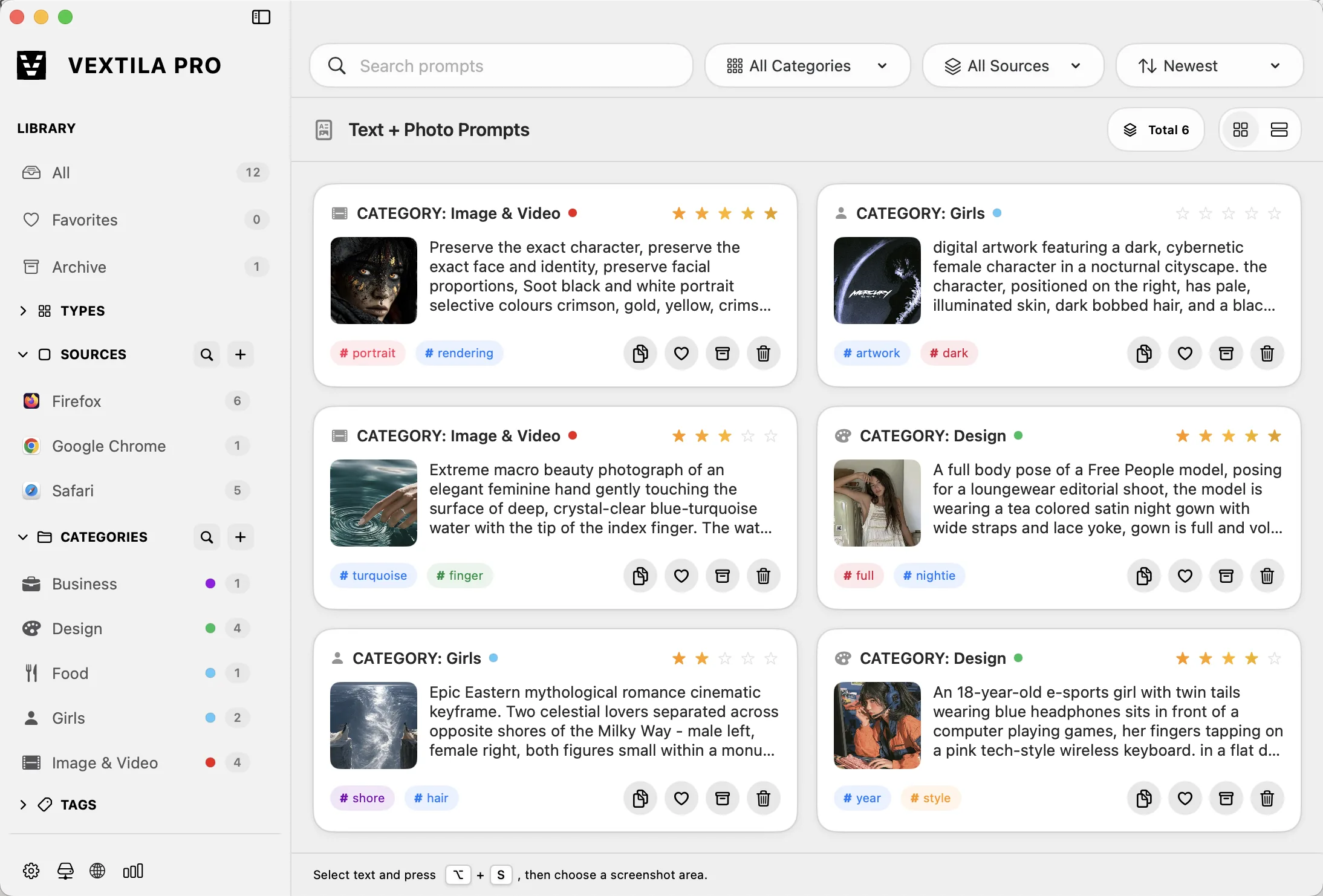
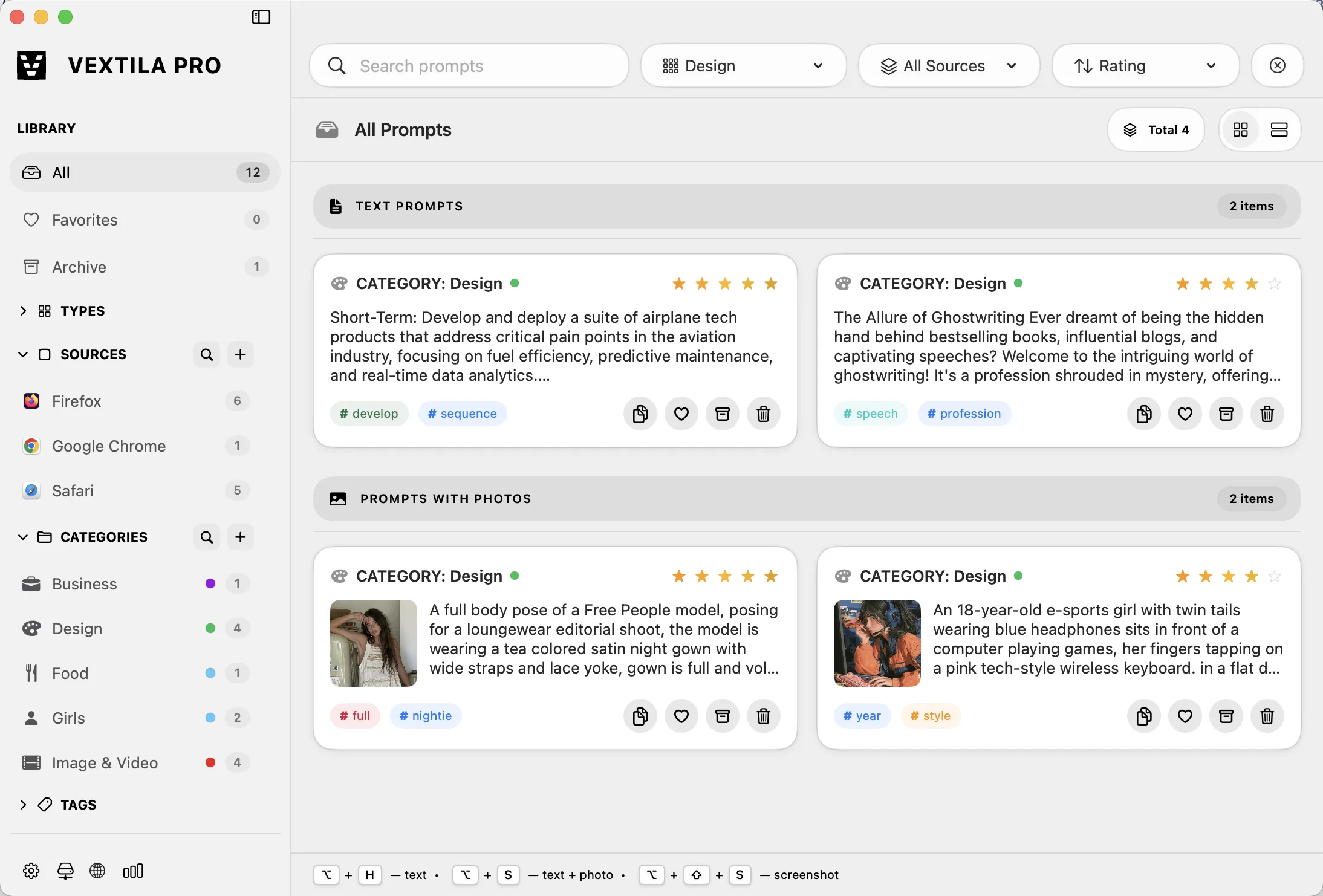
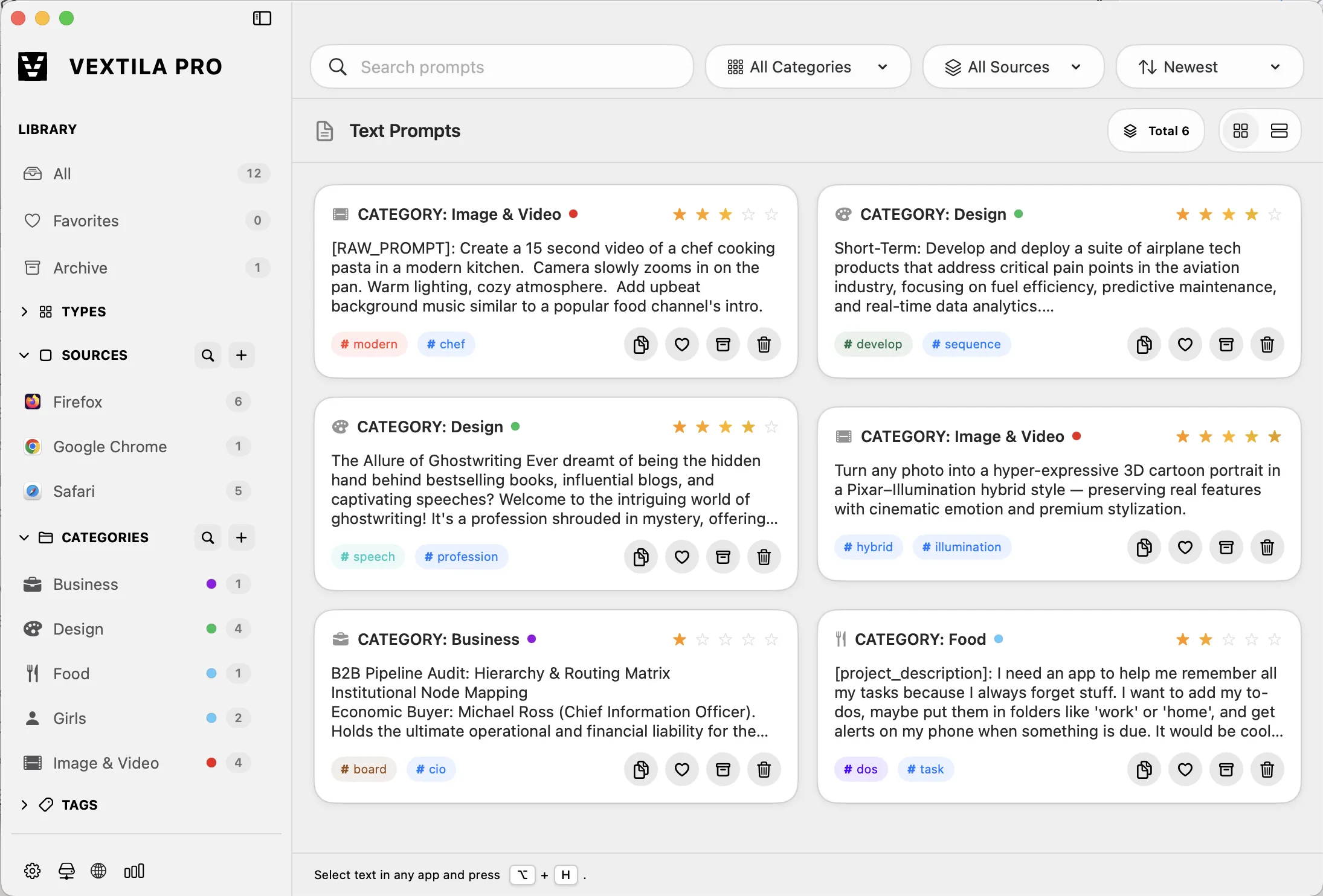
Vextila Pro is a native macOS app that saves, organizes and searches AI prompts, photo references and screen captures. Everything is stored locally in a CoreData database on your Mac. No cloud required.
Where is my data stored?
Only on your Mac. The full library lives in a local CoreData database on your disk. No cloud storage, no third-party servers, no account system, no telemetry. Your library is as private as a file in your home folder. Nothing ever leaves your Mac.
Does Vextila Pro require an internet connection?
No. Vextila works fully offline. An internet connection is needed only to download the app and to purchase a license.
Which Macs are supported?
Any Mac running macOS 15.7 or later, Apple Silicon (M1 through M5).
What does the Pro license unlock?
Unlimited text prompts, unlimited text + photo prompts, unlimited screenshot history, folders and tags, instant search, storage statistics and all future updates.
Is Pro a subscription?
No. Pro is a one-time purchase of $19.99 for lifetime access. No recurring payments, ever.
How do I pay?
Payments are processed in cryptocurrency (USDT, ETH and more) through our payment provider. After the payment is confirmed on the blockchain, your license key is delivered to the email address you provide at checkout.
What's included in the free trial?
Everything is included. The free tier is the fully functional app. You get a rolling slot of 5 text prompts, 5 screenshot assets and 5 combined (text + photo) prompts. Need more space? Just delete old prompts to free up slots, or unlock unlimited local storage forever with a single one-time payment.
Is Vextila Pro in beta?
Yes, the Application is currently in public Beta testing, and significant improvements are on the way: new functionality, speed optimizations and other useful features. Everyone who purchases during the Beta period receives lifetime updates for free. Plus, in upcoming releases, all Beta users will get the ability to install Vextila on 2 devices, a benefit reserved exclusively for those who buy during the Beta period.
How do I capture a screenshot into my library?
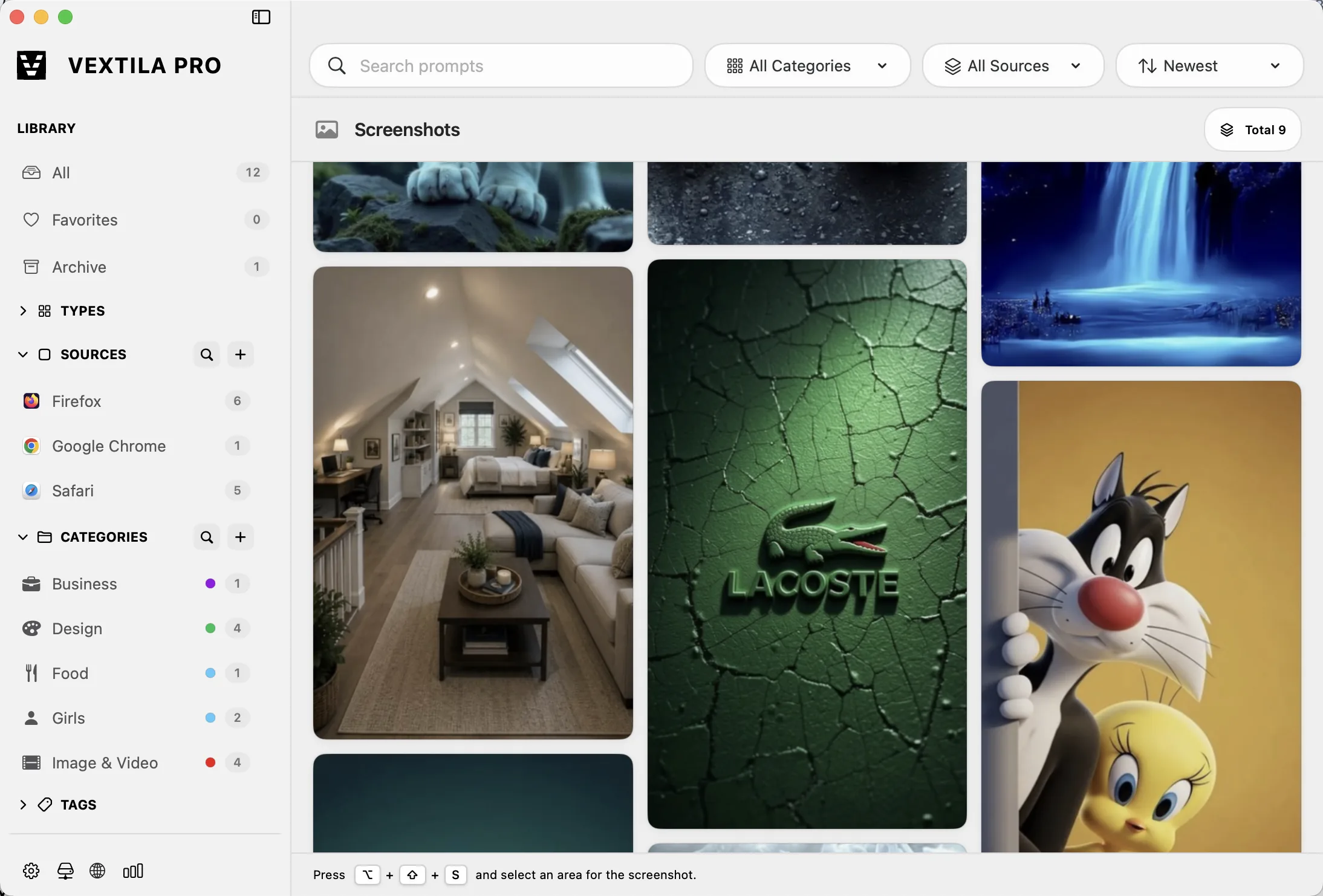
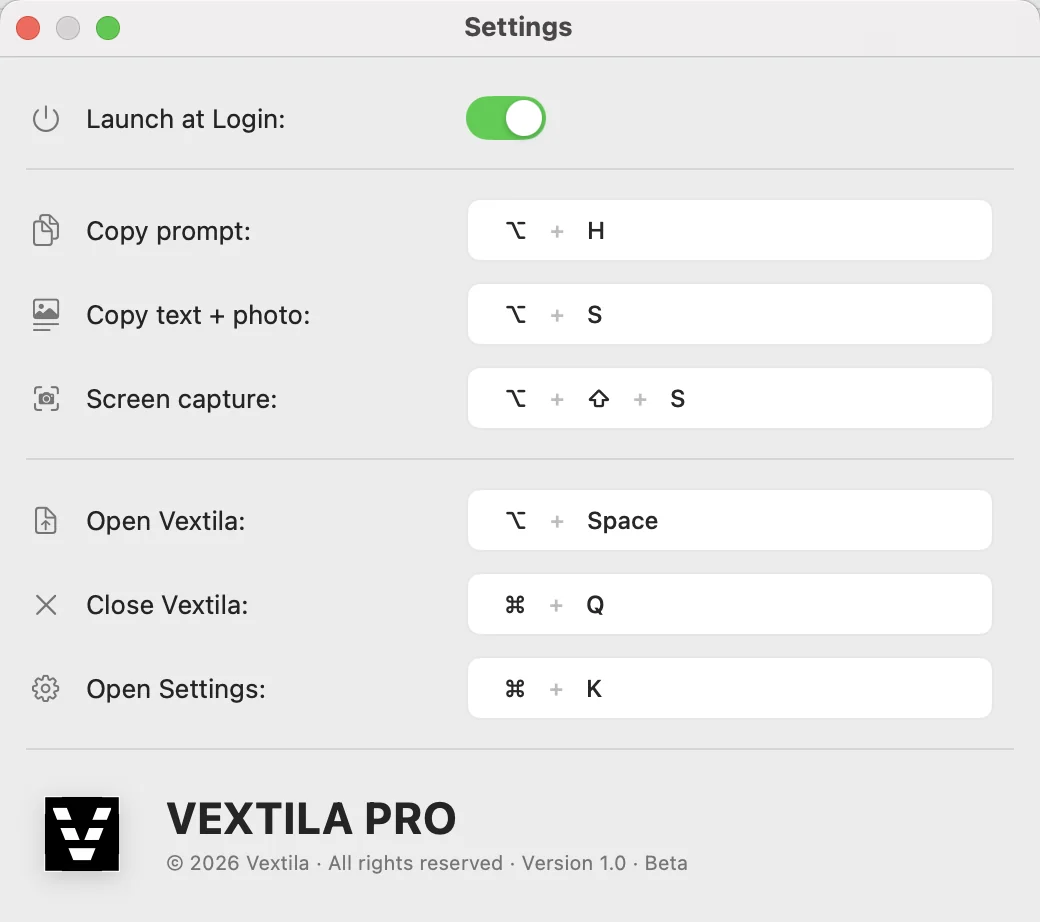
Press ↑ Shift + ⌥ Option + S, select any screen area. The capture lands in your visual library as a clean card. You can then rate it, add a text prompt to turn it into a full prompt with smart tags, or export the image file.
How do backups work?
Backups are manual. You can create a snapshot of your entire library at any time, save it to any location, and restore it later on the same or another Mac. Transfer your library between machines by copying the backup file.
How does smart categorization work?
Every prompt you save is analyzed right on your Mac. Vextila's built-in NLP engine extracts keywords, suggests smart tags and assigns a category automatically, with no setup. Everything runs locally on your device: no cloud, no external AI service, your text never leaves your Mac.
How does Automatic Source Tracking work?
When you capture a prompt, Vextila automatically remembers which app or browser your content came from (Cursor, Chrome, Safari or any other application on your Mac). Every capture is tagged with its source, so each saved prompt keeps its source context. There's no fixed list: source detection works with every app.
 Cursor
 Chrome
 Firefox
 Figma
Figma Safari